
Dimraeth on Steam Deck
Yes, Dimraeth plays on the Steam Deck at 60fps, with a slight stutter where the open world loads the next area, and the Deck can even host co-op. Valve’s Deck rating is not shown on the store page. If your controls stop responding, the fixes are below.
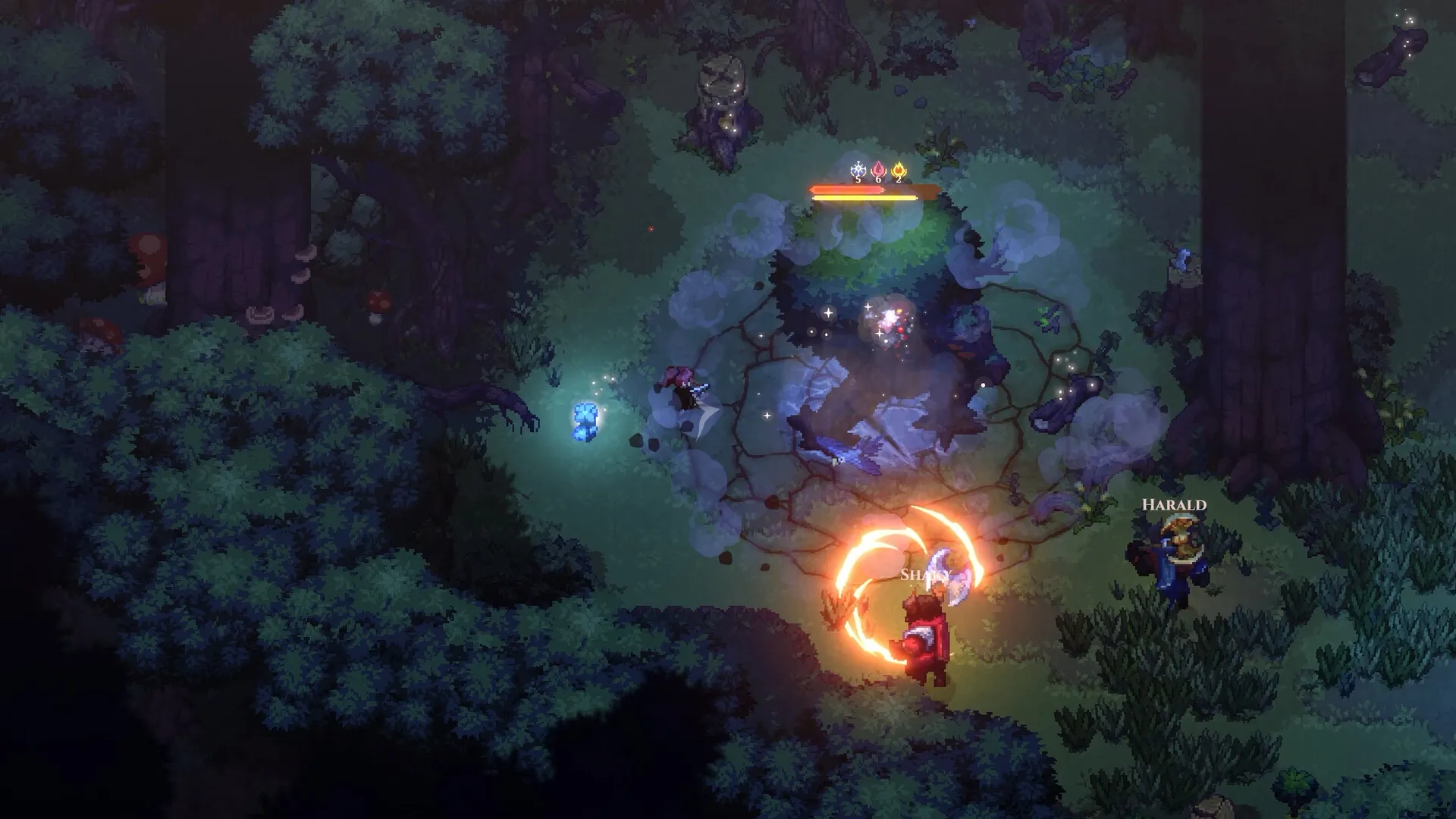
Performance on the Deck
“Yes you can play on the Steamdeck, PC with controller or Handheld PCs.”
Shindaru, developer
“I will say the game works at 60fps on the steam deck* with a slight studder at scene transition spots so the minimum is still not very high.”
The transition spots are fixed places. The world has no loading screens, so areas load as you walk, and crossings such as the Earlwood bridge to the farmlands hitch slightly on the Deck. Enemies and quests are never placed at those spots, so a hitch there will not cost you a fight. The regions and their crossings are on the Dimraeth map.
The Deck handles hosting well too. How hosting and shared progress work is on Dimraeth co-op and multiplayer.
What Deck players report
Frame rate and text size
Players hit 60fps easily and hold it most of the time. The text is small enough to be uncomfortable to read. Building works with the sticks, and you can bind the back buttons.
From Steam reviews
Most Deck owners say it runs flawlessly. At least one could not disable the controller settings on the Deck.
If the controls do not respond
There are two separate problems. A hotfix addressed the first on a docked Deck; update the game before trying anything else.
- Stuck on keyboard and mouse, or stuck on controller
On a docked Deck, or on a ROG Ally, the game could flip back to the other input every time settings closed. The third hotfix lists “Steam Deck is no longer hard-coded to controller for people using docking station”. That fix does not mention the ROG Ally, which the game may read as keyboard and mouse input.
- Turn Steam Input on
On a ROG Ally, turning on Steam Input fixed it for one player. It is the only reported fix.
- Try Desktop mode
Worth a test, though the docked Deck case behaved the same there.
- No response to any controller at all
Some Decks ignore every controller input, even an external controller, while still responding to the touchscreen. Bind checks and controller options are on Dimraeth controls and controller, and other fixes on Dimraeth bugs and fixes.
Controller support and other platforms
Deck support and full controller support were built in from early on, partly with Switch 2 in mind; see Dimraeth platforms, and for PS5 and Xbox owners Dimraeth on PS5 and Xbox. If you are choosing a desktop GPU instead, the VRAM figures are on Dimraeth system requirements.