
Dimraeth stutter and lag fixes
If Dimraeth stutters in singleplayer but runs smoothly in a friend’s game, that is expected: solo, your PC runs every monster, event and timer in the world, and as a guest it runs none of them. For stutter everywhere, open the game’s log folder and check the size of player.log; a huge file means errors are hammering your disk. Turning VSync off and capping at 60 FPS fixed stutter and slow motion for several players, though not for everyone.
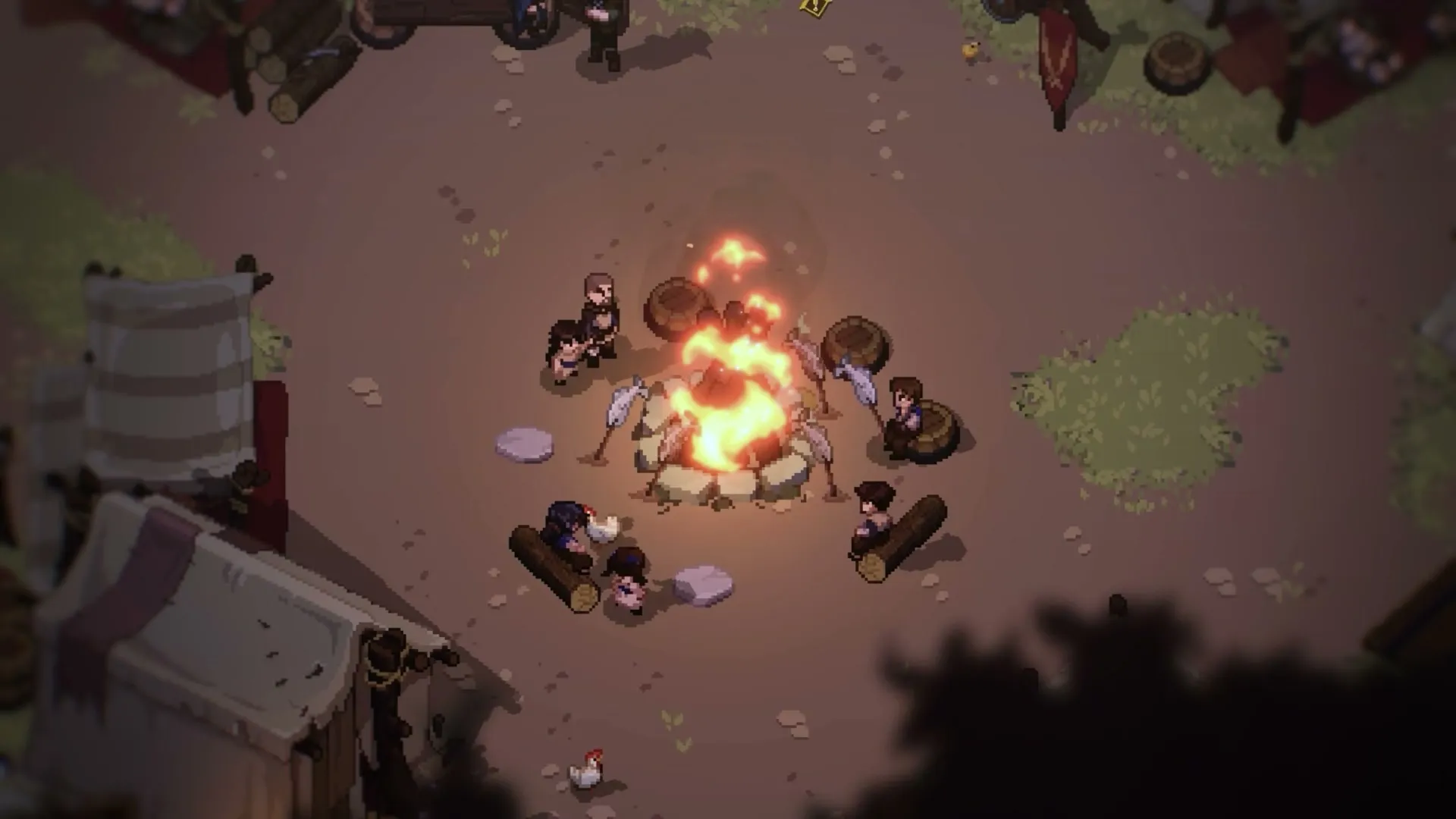
Why singleplayer can run worse than joining a friend
“So the skill tree is the heaviest menu so that tells me your PC is borderline struggling to run the game probably.”
“When you play singleplayer - your computer is tracking all monsters, events, farming timers, respawn timers, etc.”
“When you play as a client on someone elses server - your PC runs none of those things so your game will play better as a client than single player.”
If the skill tree is the first screen to stutter, your machine is near its limit, not broken. If a friend has the stronger PC, let them host and join as a client; see Dimraeth co-op and multiplayer. This does not explain every case: some players still lag solo in a mostly empty Sanctum, especially after alt-tabbing.
Two other causes: the game really needs a graphics card with 4 GB of VRAM (see Dimraeth system requirements), and a short hitch at fixed crossings such as the Earlwood bridge is the open world loading the next area.
Fixes from the developers
Try these first.
- Check player.log before you restart
Open this folder (paste it into the File Explorer address bar;
%USERPROFILE%is your Windows user folder):%USERPROFILE%\AppData\LocalLow\Mudtek\Dimraeth“If it is huge it means some error is pounding your hard drive and causing stutter. If it’s just 100Kb or something then it may be something else but I’d still like the file.”
Mudtek
Copy the file out before relaunching, because restarting the game clears it. Then post it in a bug thread on the Discord, where the developers respond. The Discord link is on the Dimraeth community page.
- Character hopping or input lag at a stable FPS: turn off Steam recording
If your character hops around and input is delayed while the frame rate holds, turn off Steam recording in Steam’s settings. It fixed the problem for one player and not for another, and the developers have not found the root cause, but it is a one-minute check.
- Antivirus flags il2cpp, or the game will not start
One player calls this a false positive. Adding the game as an exception is the gentler option; Windows Smart App Control is a security feature, so switching it off is your call. Security software blocking saves has its own fix on Dimraeth bugs and fixes.
- Still stuttering solo: join a friend’s world as a client
The client does none of the world simulation.
Fixes from players
Results vary by machine.
VSync off and a 60 FPS cap
The in-game frame lock only offers 30 to 60, so 60 is the top of the built-in cap. If it makes things worse, turn VSync back on.
Steam Deck
Deck settings and frame rates are on Dimraeth on Steam Deck. To hold a steady 60 FPS, drop shading to medium: heavy weather or spell effects can pull the frame rate down into the 40s, so test in busy fights, not empty fields. Small text is the other Deck complaint, and UI scaling at 130% is still not enough for some players. There is no fix yet.
The same folder holds your saves
Players report that saves live in the same AppData\LocalLow\Mudtek\Dimraeth folder. Copy files out of it rather than deleting anything while you troubleshoot. Crashes tied to a single character file, which the developers ask to see, are on Dimraeth bugs and fixes.