
Dimraeth controls and controller settings
Dimraeth plays with WASD and mouse, with a mouse-movement scheme, or with a controller. In mouse movement you move with the right mouse button, and that button cannot be rebound. Sprint and dash sit on the same key. On controller, attacks aim at the enemy the game auto-targets unless you switch on the setting to attack in the direction you face.
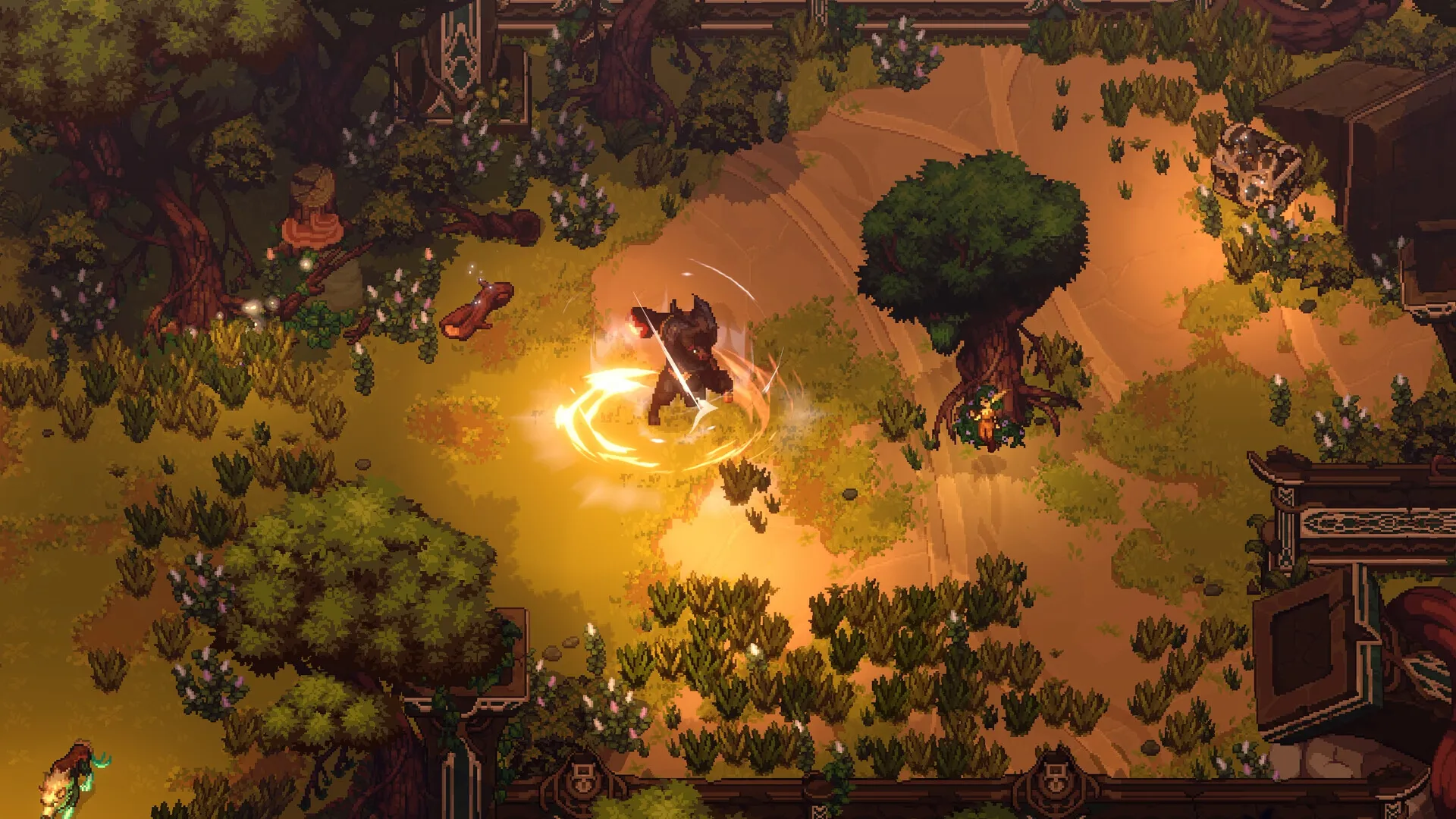
The three schemes side by side
| Scheme | Move | Basic attack | What to know |
|---|---|---|---|
| WASD keyboard | WASD | Left click | Attacks go toward the mouse cursor, so moving attack to a key does not free you from the mouse. |
| Mouse movement | Right click, or hold right click | Left click | The move button is not rebindable; a left/right toggle has been floated. |
| Controller | Stick | X on Xbox layout, Square on PlayStation | Auto-targets by default; a setting makes attacks follow your facing instead. |
On every scheme the basic attack does a second job:
“Hitting enemies with basic attacks, (left click on WASD Keyboard controls or X/Square on controller) is what regens your concentration.”
A build that only presses spells runs dry. How concentration and stamina costs shape a character is on Dimraeth builds.
Mouse movement: move with right click
Left click does not walk, as it would in Diablo. Click or hold right click to move. The move button is not rebindable; a developer suggested a setting to toggle between right and left click, but it has not been announced. To switch scheme (handy for one-handed play), set the control type to mouse under Options, Controls.
Sprint and dash share one key
One button does both, so you can dash when you meant to sprint and the other way round. Players have asked for separate binds; a combined button can only fire the dash when you let go, which is a problem for the most time-sensitive action in the game.
Fix most of it by not holding sprint at all. The new-game setup offers “Select a movement type. Normal sprint. Auto sprint while exploring.” Turn on auto sprint outside of combat right away; the game prompts you later anyway.
Rebinding keys
Most actions rebind
You can re-key most actions, and on Steam Deck there is an option to use the Deck’s back buttons.
Right-click move, and a few prompts
Mouse-movement walking stays on right click. If you remap the keyboard key for consumables, the UI does not update.
Restart the game after rebinding: the hotbar buttons in the bottom left then update, though the ones in the inventory do not. Trust the hotbar over the inventory screen.
Two limits remain. Keyboard-only play is awkward: you can remap attack to a key, but your hero still strikes toward wherever the mouse cursor sits. And the mouse wheel cannot be bound to abilities.
Controller: aim where you face
Controllers work on PC, Steam Deck and handheld PCs. If your attacks stick to one direction during a combo, change the targeting setting:
“There is an option in settings if you want to attack in the direction you are facing rather than the direction of the monster it auto-targeted.”
Look for that wording in the settings. Building in the Sanctum on controller has one snag: selecting a placed building to salvage it. Use the second stick; it works but is clunky and depends on where you stand. What you can build there is on the Dimraeth Sanctum page.
Steam Deck and handhelds: stuck on the wrong input
On a ROG Ally, the game can keep flipping back to mouse and keyboard when you close the settings, in both Xbox and desktop mode. The developers suspect the Ally registers as keyboard and mouse input. Try turning on Steam Input: it fixed the problem for one Ally player.
The reverse also happens: docked on a Steam Deck, or on PC, the game can refuse to leave the gamepad layout for mouse and keyboard. Some Deck owners also report the game ignoring all controller input, even an external controller, while touchscreen input still works. Neither has a fix yet. Deck performance is on Dimraeth on Steam Deck, and input bugs with workarounds are on Dimraeth bugs and fixes.